Reporting Issues or Requesting Features
Visplot is an open-source project, and we greatly value feedback from the community. The best way to report bugs, request new features, or suggest improvements is through the Issues page on our GitHub repository:
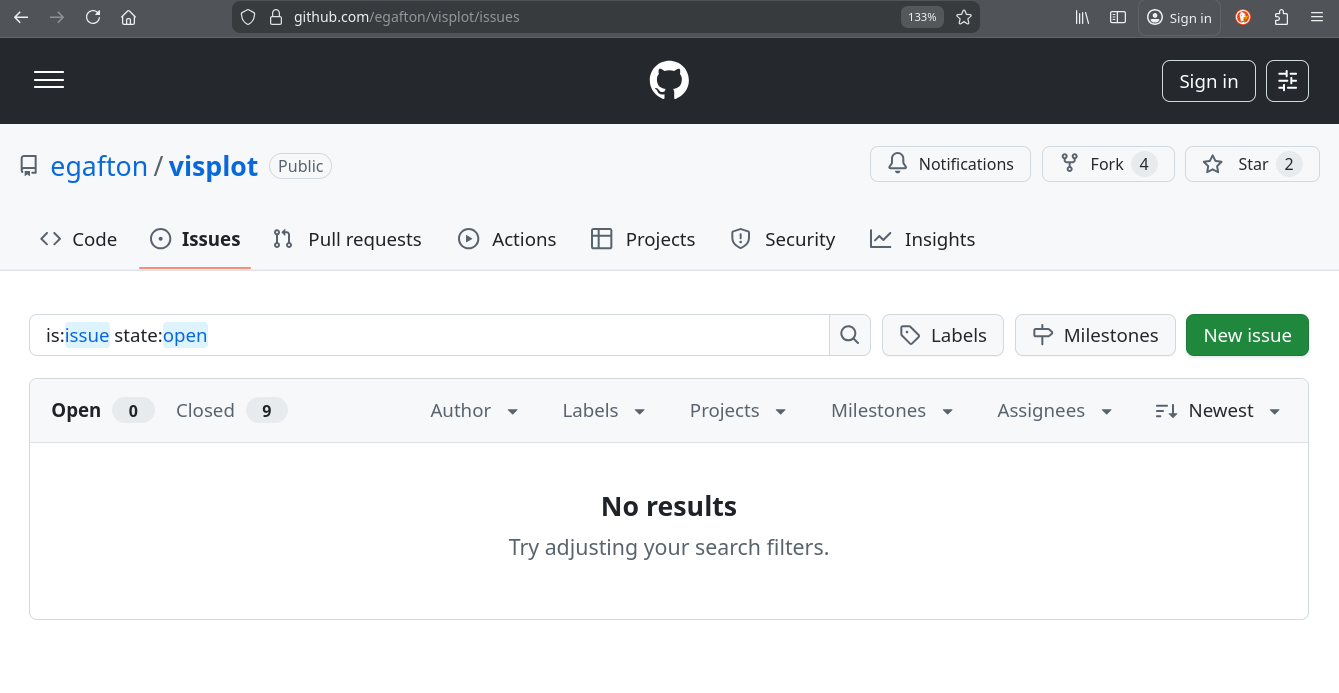
Before submitting an issue, please check if a similar one already exists by searching the repository’s issues. This helps avoid duplicates and allows you to contribute to ongoing discussions.
Reporting a Bug
When reporting a bug, providing detailed information helps us reproduce and fix the issue quickly. Please include as much of the following as possible:
Environment: Specify whether you’re using the web interface (https://www.visplot.com/) or a local/custom installation (e.g., Docker setup).
Steps to Reproduce: A clear, step-by-step description of the actions that led to the bug.
Expected Behavior: What you expected to happen.
Actual Behavior: What actually happened, including any error messages.
Screenshots or Logs: If applicable, attach screenshots of the issue or relevant console logs. Including the logger output from Visplot is especially helpful for diagnosing issues quickly.
Browser/OS Details: For web interface issues, include your browser version, operating system, and any relevant extensions.
Additional Context: Any other information that might be helpful, such as the date/time of the issue or recent changes to your setup.
Example of a reported bug:
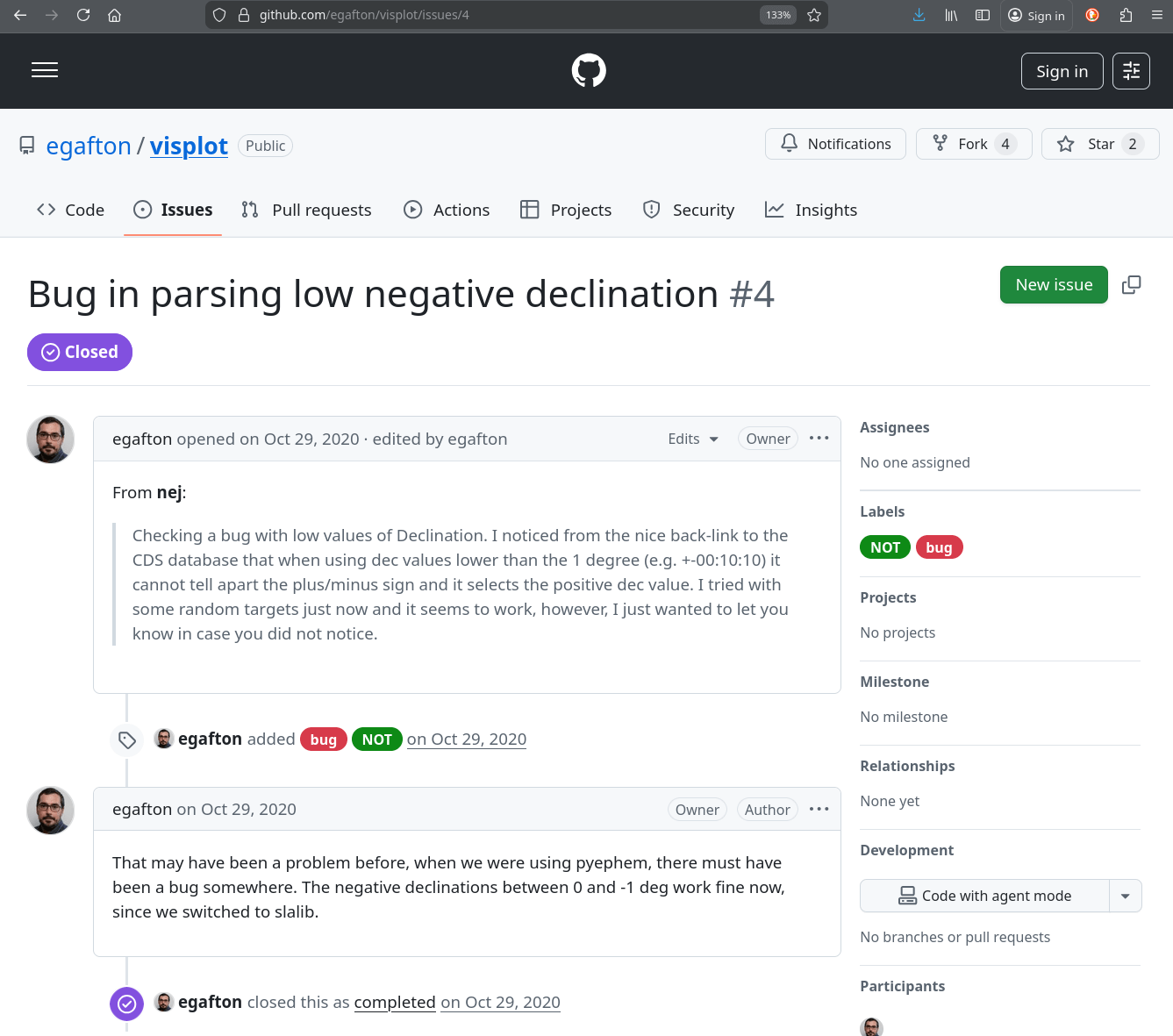
We aim to respond to bug reports within a few days and will keep you updated on our progress.
Requesting New Features
We welcome ideas for new features that can enhance Visplot’s functionality. To request a feature:
Check Existing Requests: Search the issues to see if your idea has already been suggested.
Create a New Issue: Apply the available label Enhancement or clearly label your issue as a feature request.
Provide Details: Describe the feature, why it’s needed, and how it would benefit users. Include mockups, examples, or references if possible.
Discuss and Refine: Be open to feedback from maintainers and the community to refine your idea.
Adding New Telescopes
Visplot supports multiple telescopes, and we’re always happy to add new ones to expand our coverage. To request the addition of a new telescope, please provide the following minimum information:
Name of Telescope/Observatory: The full name and any common abbreviations.
Location Details:
Latitude (in degrees, positive for North)
Longitude (in degrees, positive for East)
Elevation (in meters above sea level)
Observing Constraints:
Minimum elevation (in degrees)
Collision points (if any, for equatorial telescopes)
Zenith exclusion zones (if any, for alt-azimuth telescopes)
Additional Notes: Any other relevant details, such as time zone, typical observing hours, or special constraints.
See, for instance, Issue #12:
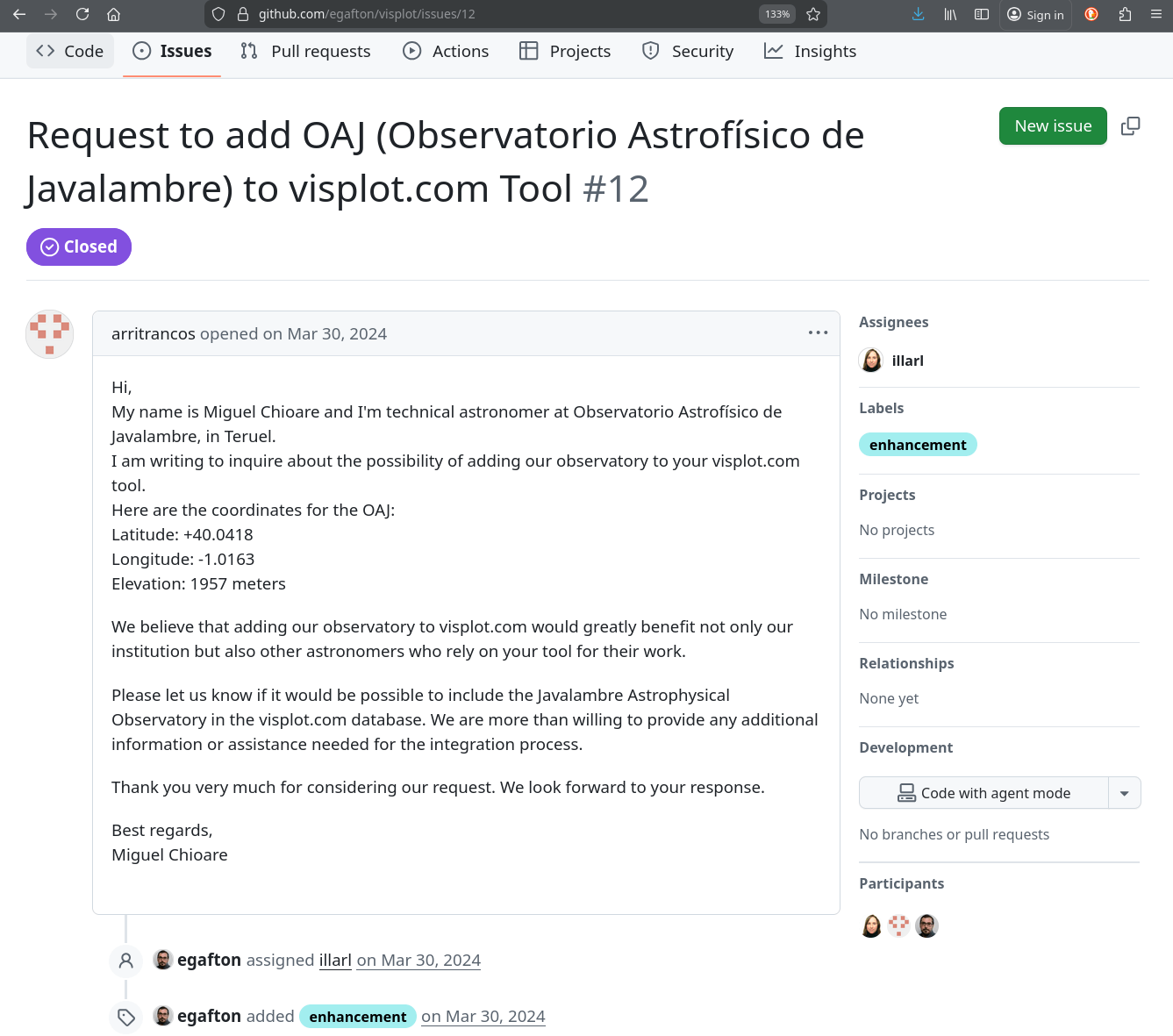
Once submitted, we’ll review the request and implement the addition in a future update.
Contributing Code
If you’re interested in contributing code fixes or new features directly:
Fork the repository on GitHub.
Create a new branch for your changes.
Make your modifications and ensure they follow the project’s coding standards.
Submit a pull request with a clear description of your changes.
Our team will review and provide feedback.
Community and Support
For general questions, discussions, or support outside of bug reports or feature requests:
Use the tutorial and other documentation pages.
Join the Visplot Google Group to ask questions, share experiences, and get help from the community:
visplot (at) googlegroups.com
Browse or report issues in the issues page.
Thank you for helping improve Visplot!